Edit while it plays
Change notes, add effects, switch instruments — all while the score is playing. Hear every change instantly. No stop-edit-play loop. No other tab editor lets you do this. Once you've composed this way, going back feels broken.
Guitar, bass, and drum notation editor for iPhone, iPad, and Mac. Import Guitar Pro files. Edit during playback. One-time purchase.


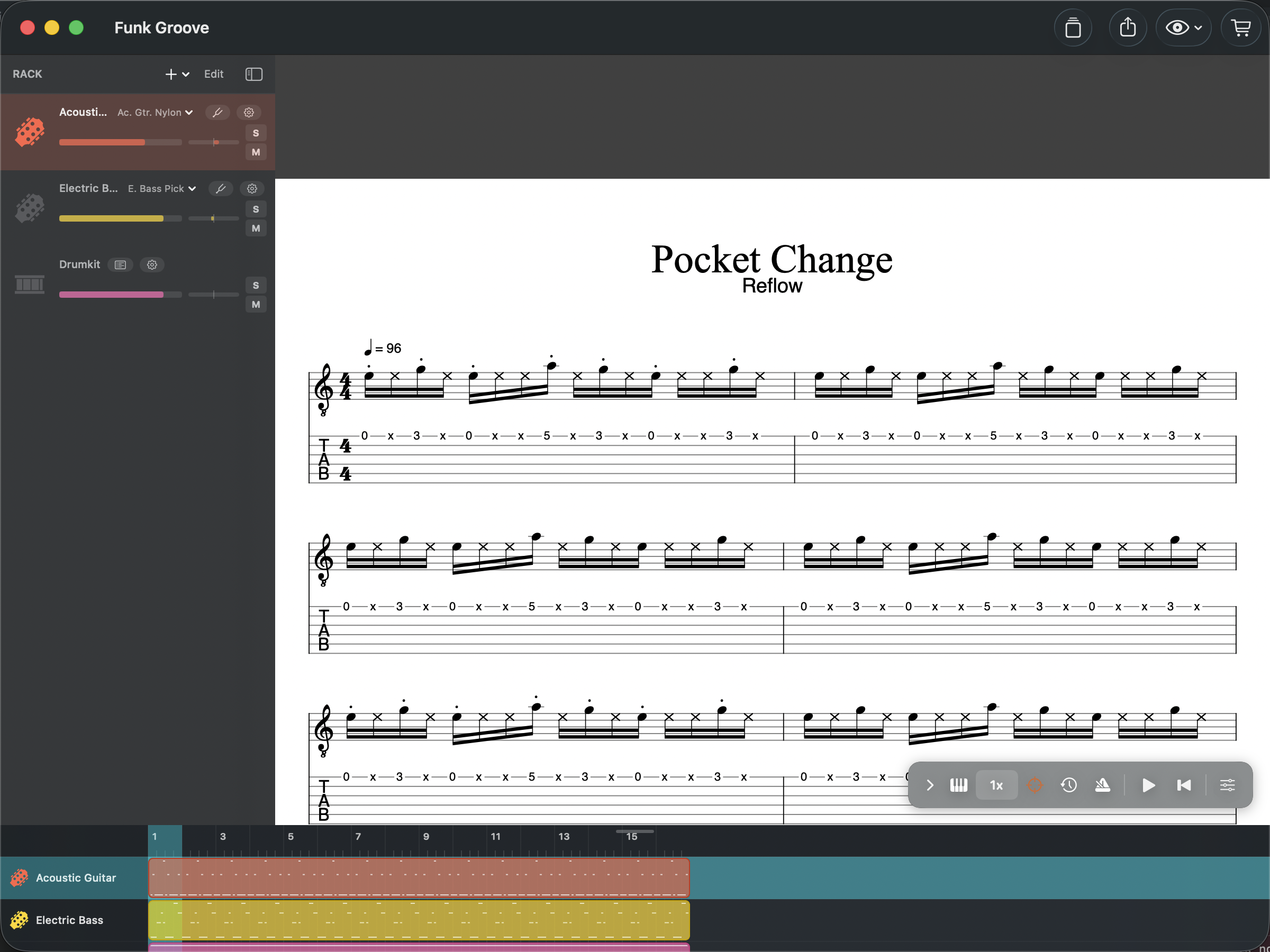
Change notes, add effects, switch instruments — all while the score is playing. Hear every change instantly. No stop-edit-play loop. No other tab editor lets you do this. Once you've composed this way, going back feels broken.
Import Guitar Pro 3, 4, 5, 7, and 8 files (.gp, .gp5). Access thousands of tabs shared online and edit them instantly. Faithful import of notes, effects, tempo, and track settings.
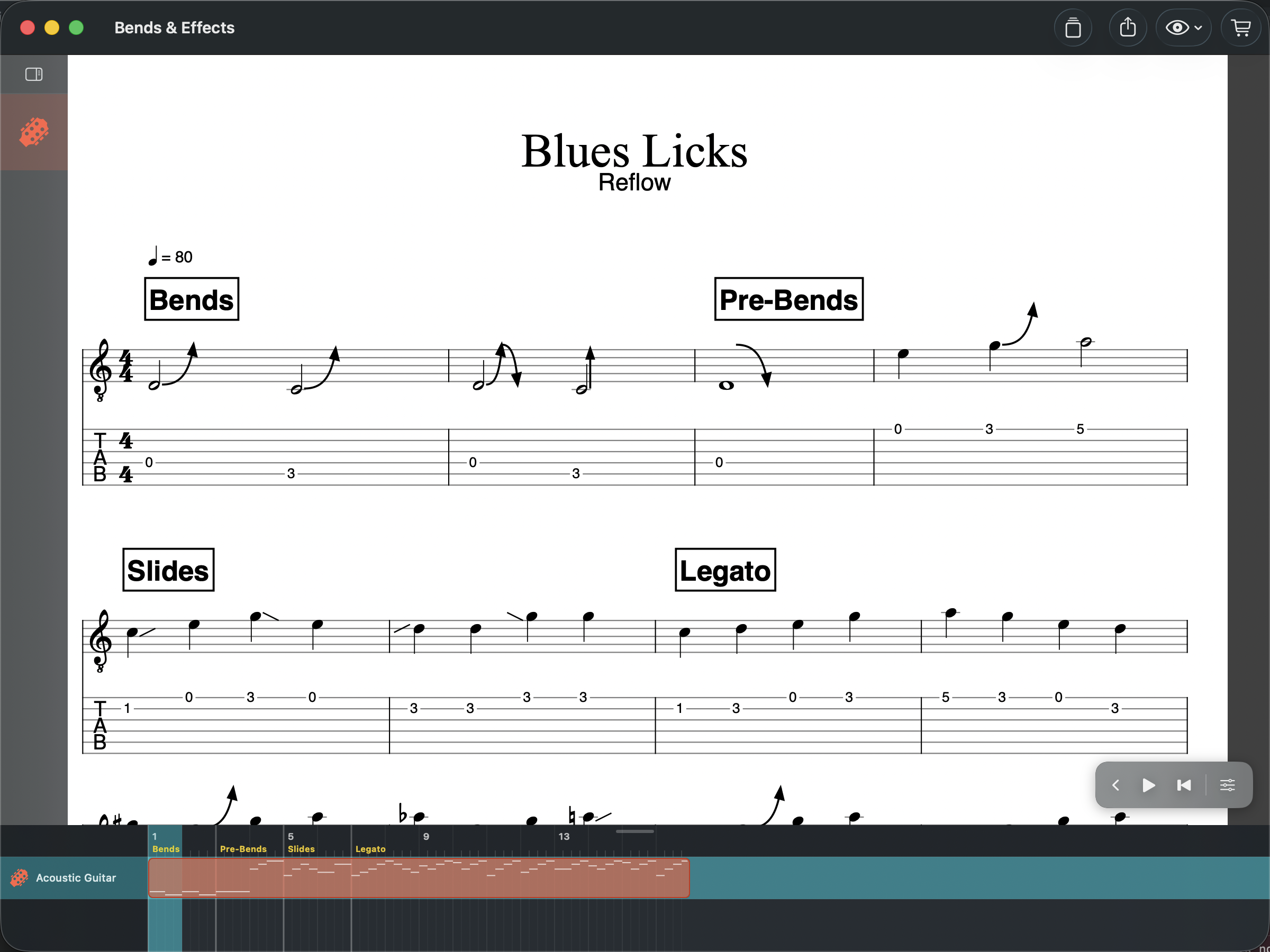
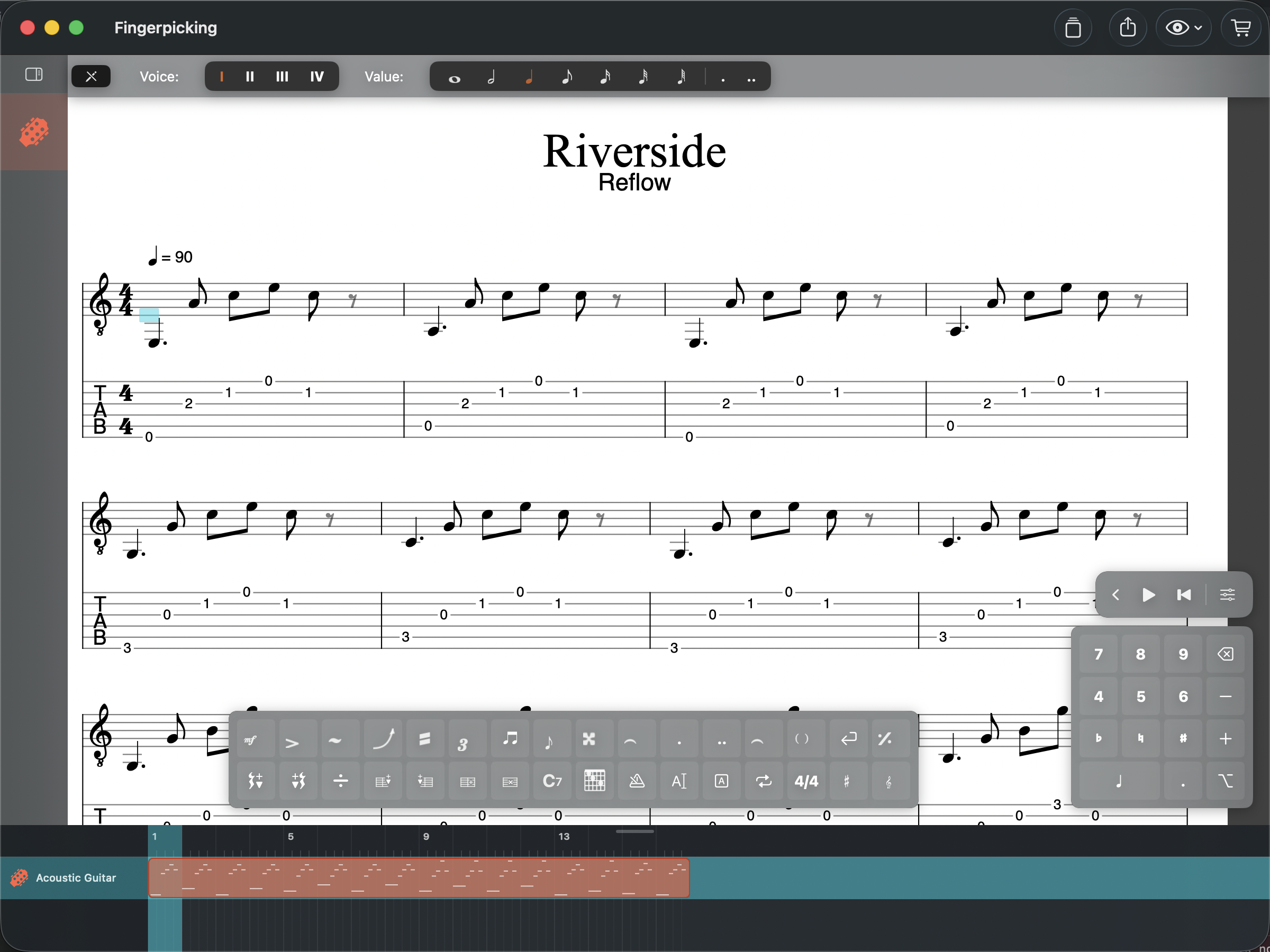
Write tabs the way you think — fret numbers on strings, with bends, slides, hammer-ons, pull-offs, and all the techniques you need. Standard notation stays in sync above. Custom tuning support for any instrument.
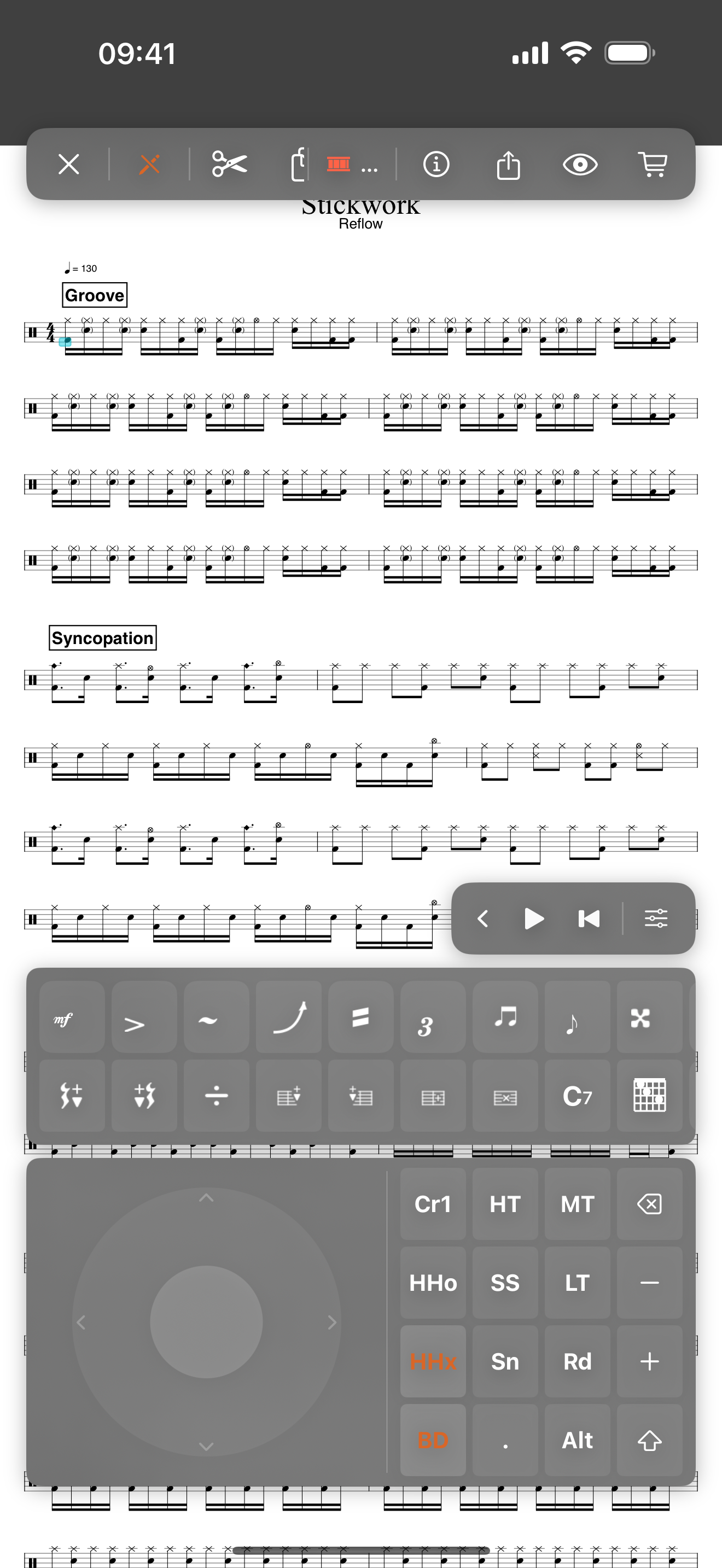
Full drum kit on a standard percussion staff. Custom drum mapping editor to configure your kit. Enter beats with keyboard shortcuts or tap the interactive drumpad — a visual grid of your kit's instruments.
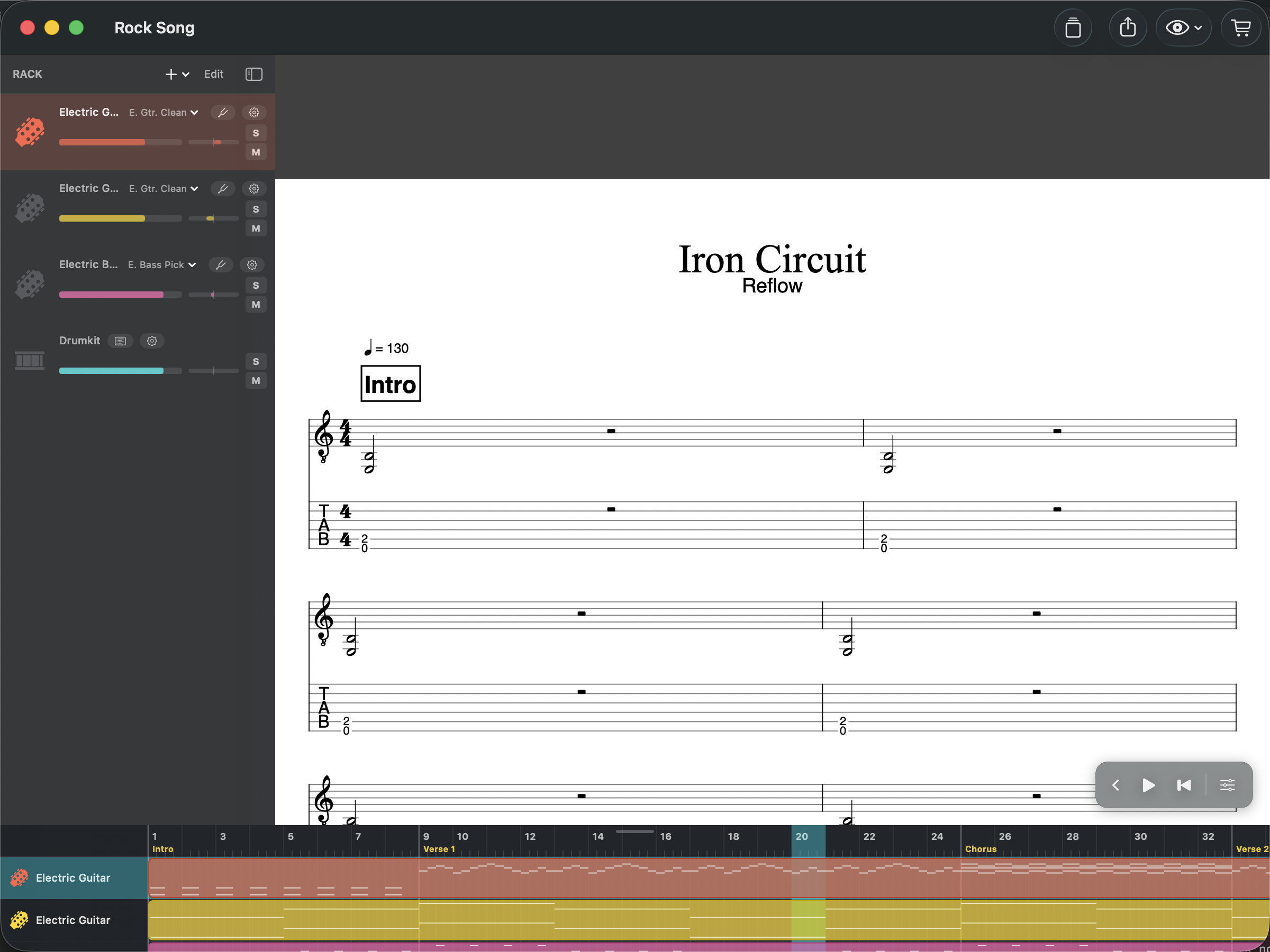
Combine guitar, bass, drums, keyboards, and vocals in a single score. Solo, mute, and adjust volume per track with the built-in rack. 128 General MIDI instruments.
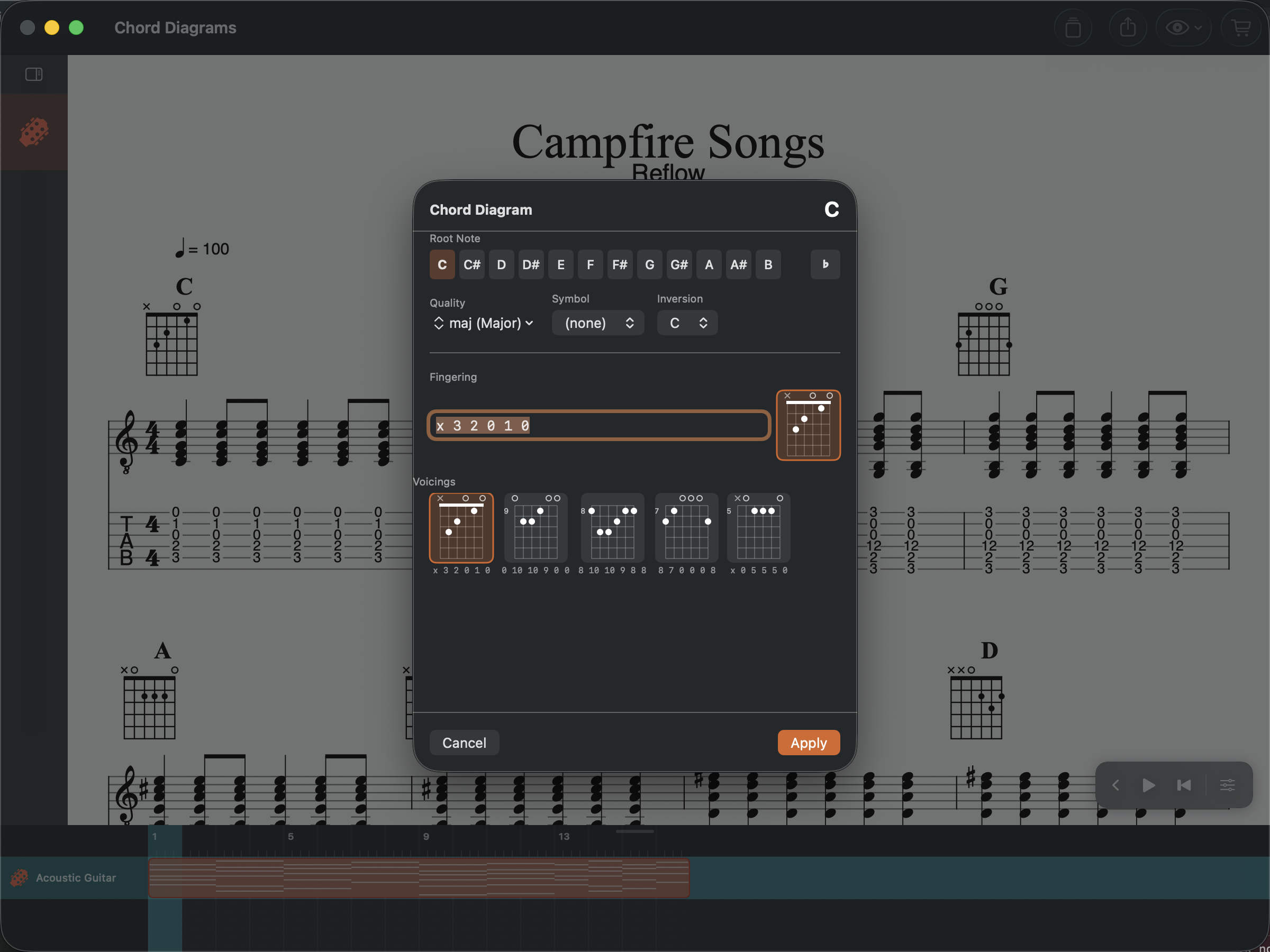
Built-in library with 89 chord types and voicings. Add chord diagrams above any beat, create custom fingerings. Chord names display automatically.
MuseScore General SoundFont delivers realistic instrument sounds across 128 GM programs. Adjustable tempo, loop sections, metronome, precount, and playback speed from 0.25x to 2x for practice.
Open Guitar Pro 3–8 files and MIDI files. Export to GP5, GP7, MIDI, WAV, M4A, and PDF. Import MusicXML. Choose which tracks to include. Your music goes wherever you need it.
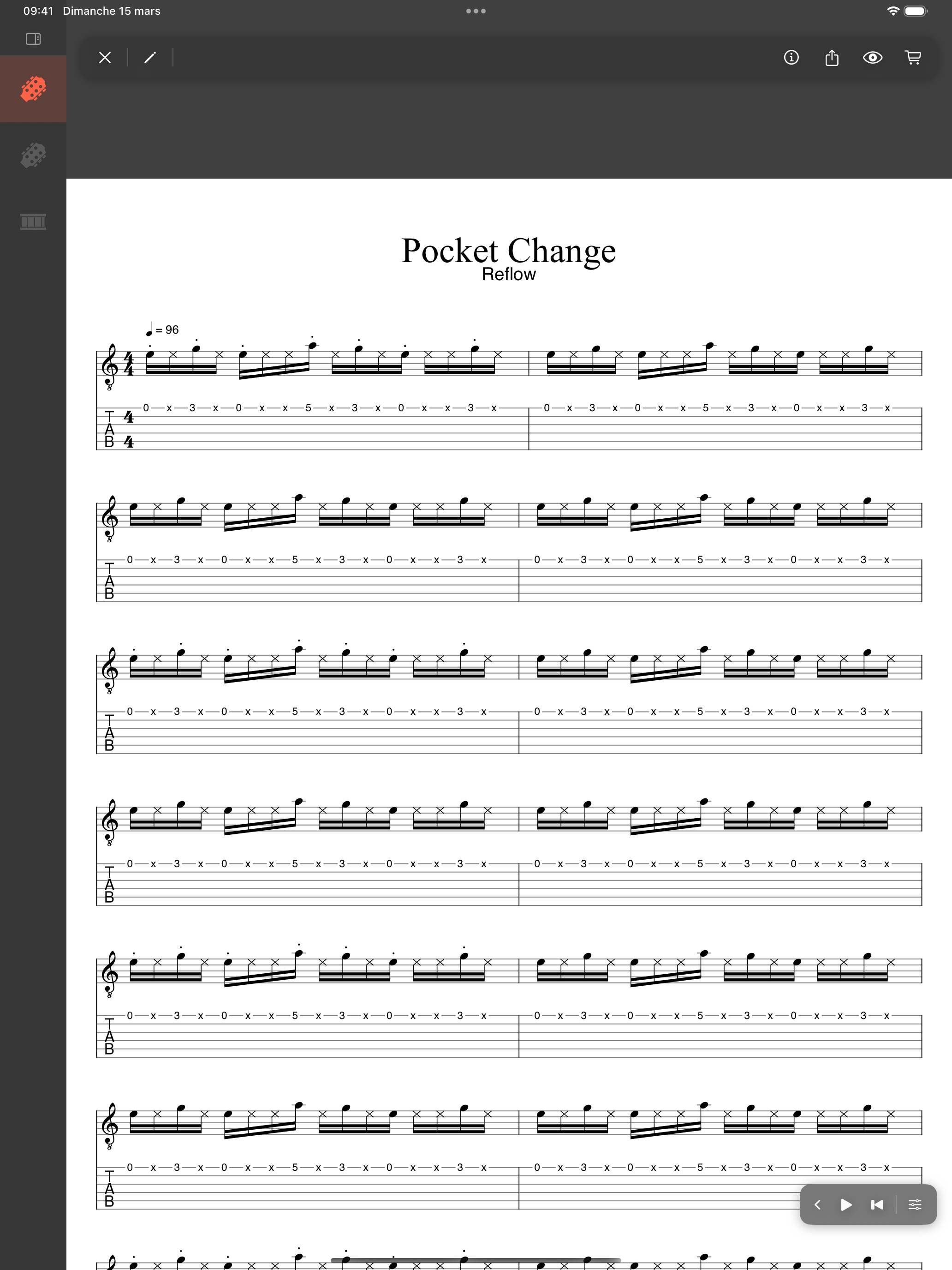
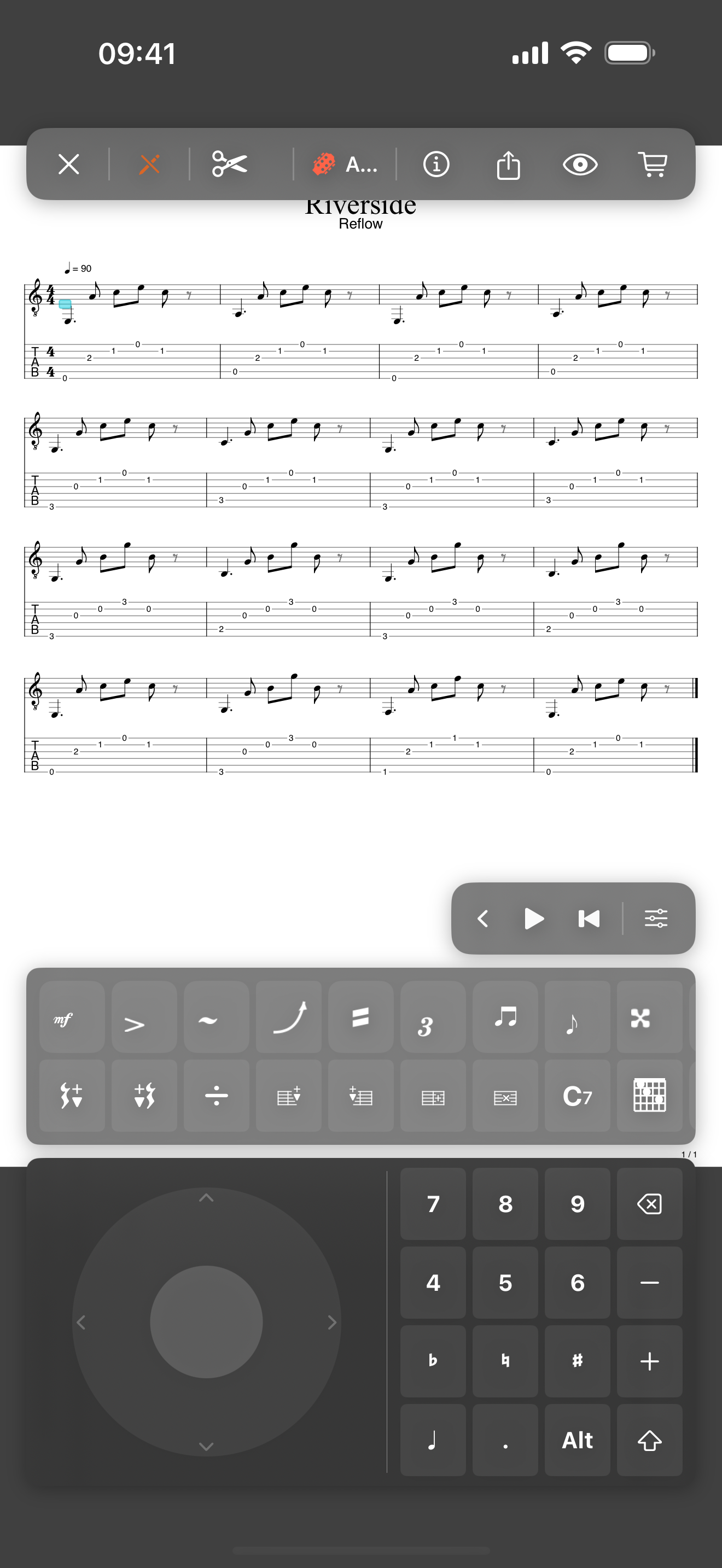
Tap notes on a virtual piano keyboard, fretboard, or drumpad right below your score. See scales highlighted as you compose. On iPhone, a minimal keypad keeps editing controls within thumb reach even with the instrument panel open.
Add lyrics with automatic syllable hyphenation across up to 5 lines. Natural, artificial, pinch, semi, and feedback harmonics with correct playback. Bends, slides, hammer-ons, pull-offs, vibrato, palm mutes, and tapping.
Continuous vertical scroll for a modern reading experience. Page view with Fit Page Width. Free zoom and horizontal scroll. Choose the view that works for you.
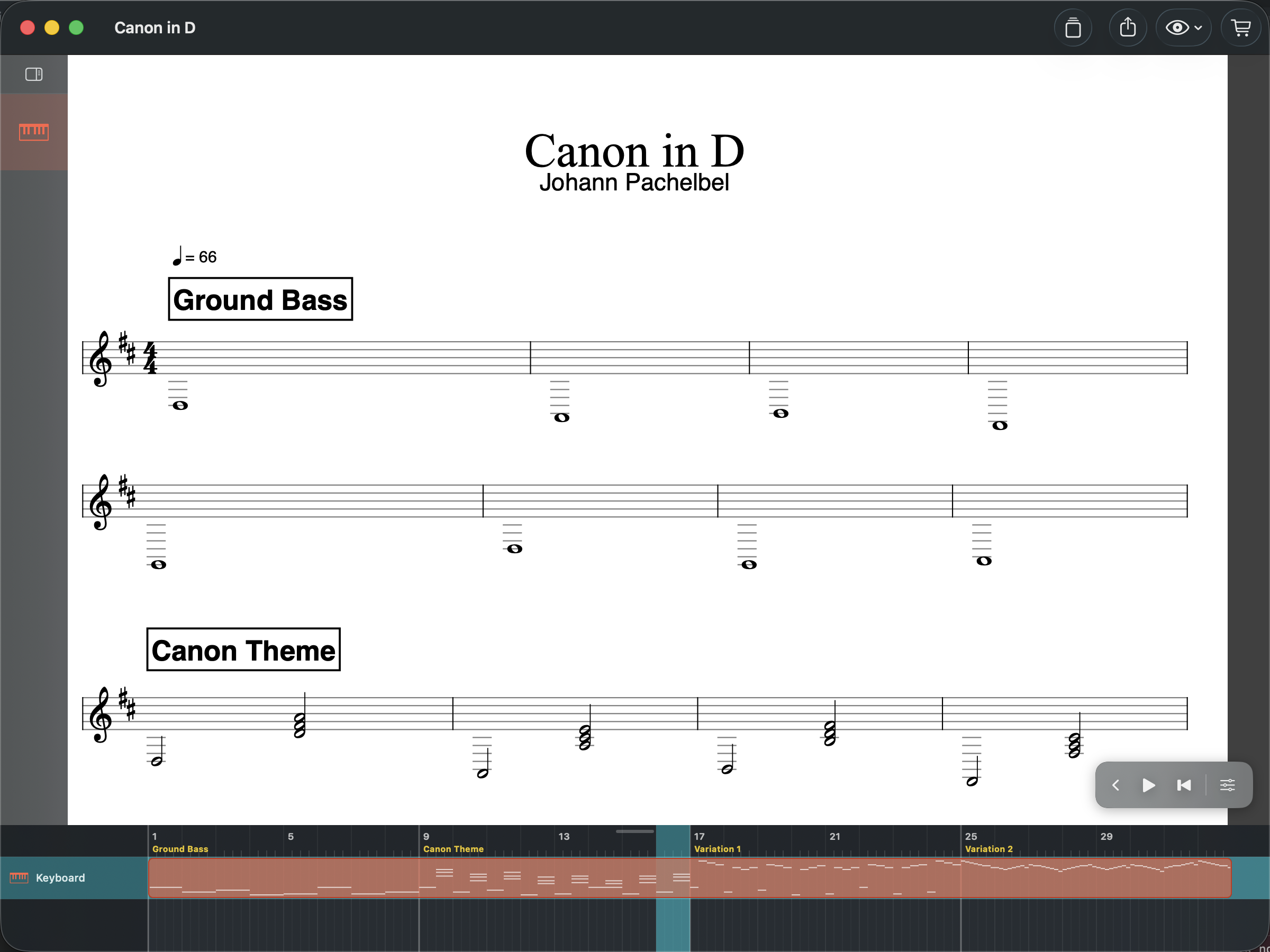
Native app built with SwiftUI for every Apple platform. Same document format across all devices. iCloud sync keeps your scores available everywhere. No Electron, no cross-platform port — a real Apple app.
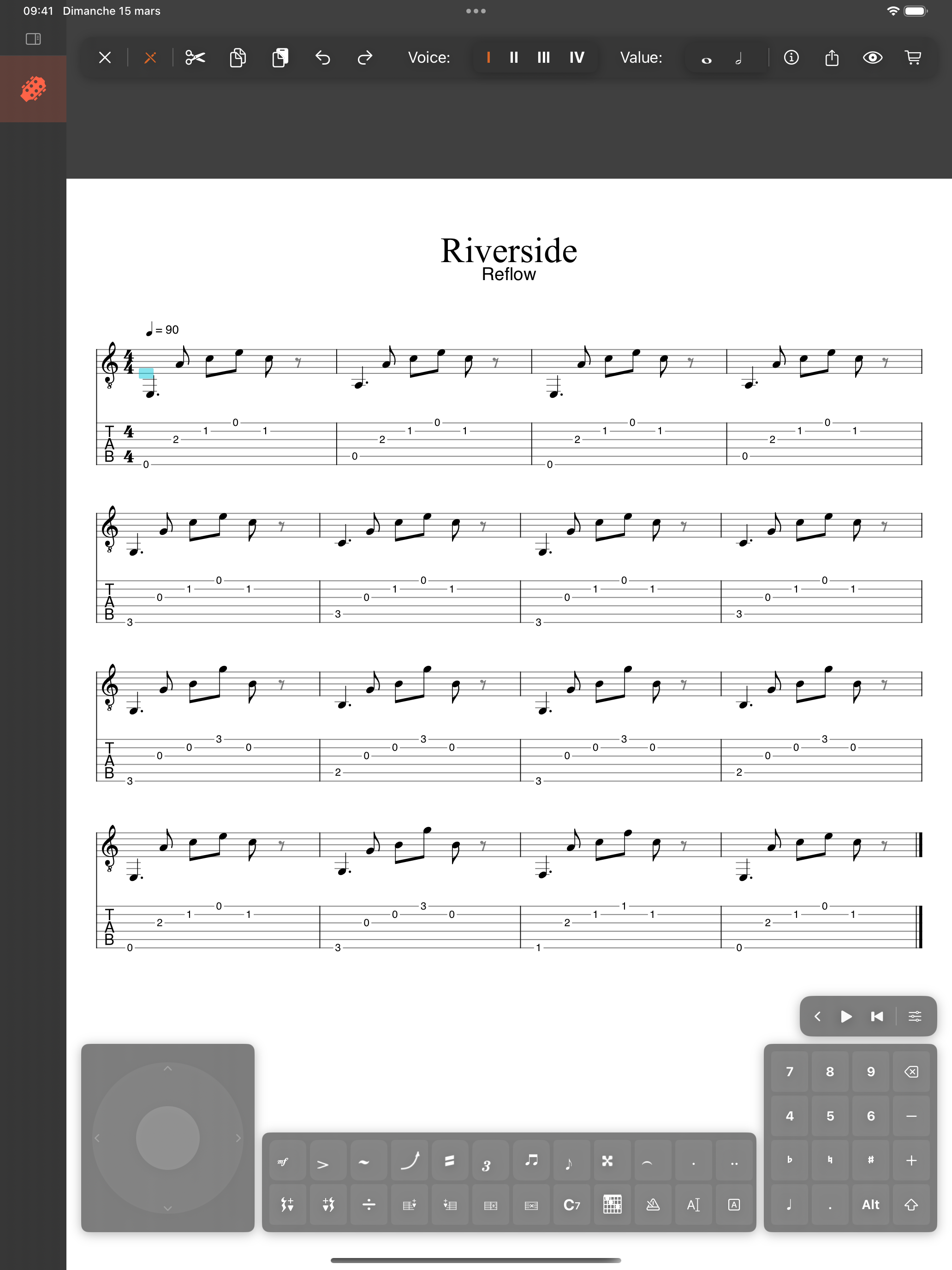
Free to try. Pay once. Yours forever.